Skip to content

Wedding Workflow

Mondays, handled: pre-Lightroom metadata for wedding pros

The short answer

The six Monday metadata treatments (rename, copyright, geo, keywords, rating, and event title) normally run as three to five separate passes across Bridge, Photo Mechanic, HoudahGeo, and a Lightroom import preset. A pre-Lightroom metadata workflow does them once, before the catalog opens, which collapses the Monday grind into a coffee pour. Jade GT runs locally in the browser; files never leave the machine.

Saturday wrapped at 11:47pm. Two cards, two bodies, one second shooter. A little over two thousand frames sitting on the desk in two card readers, and Monday morning is coming at you whether you are ready or not.

If you have been shooting weddings for more than a season, you already know the shape of the next four hours. Card ingest, rename, copyright preset, keyword tag, GPS for the venue, IPTC Title for the couple, some placeholder rating on each frame so Lightroom does not show a pile of zeros. Then the real work, the cull.

The four hours before the cull are the part nobody sells. They are also the part that does not get shorter when you buy a faster laptop.
Film Has No EXIF: The Three Film Scan Metadata Gaps to Fix After the Scan

The short answer

A roll of film doesn't know what time it is, where it was shot, or which camera took the frame. Lab scans arrive with the scan date as the only timestamp, no GPS, no stock, no camera body, no lens. Three specific gaps, three specific fixes. The whole pass runs in fifteen minutes per shoot if you know what you are filling in.

Two rolls of Portra 400 shipped out on Tuesday. A USB drive arrived from the lab on Friday. You plug it in, Lightroom imports the folder, and every single frame is stamped 2026-04-16. That was the day the lab scanned. It was not the day you shot a single photo.

Scroll right in the Metadata panel. Camera Make: blank. Lens: blank. GPS: blank. Shutter speed: blank. ISO: blank. Film stock: nowhere.

A roll of film is a physical, light-sensitive strip. It doesn't have a clock, a GPS receiver, or a chip that writes EXIF. Your camera body usually knows roughly none of that information either, because most film bodies from the last fifty years are mechanical. By the time a scan lands on your drive, the only timestamp anywhere in the file is the one the lab's scanner stamped when the frame passed through the carrier.

The lab did its job. The camera did its job. The file is correct. The problem is that your catalog is now sorting two weddings and a camping trip into one single day in September, because that is the only date any of those files report.

This post covers the three specific film scan metadata gaps every scan arrives with, the end-to-end workflow that puts the information back (whether the lab scanned it or you did), and what a properly-tagged film archive looks like next to one that was just dropped into Lightroom raw.

Organize 2,000 Wedding Photos Before Lightroom Even Opens

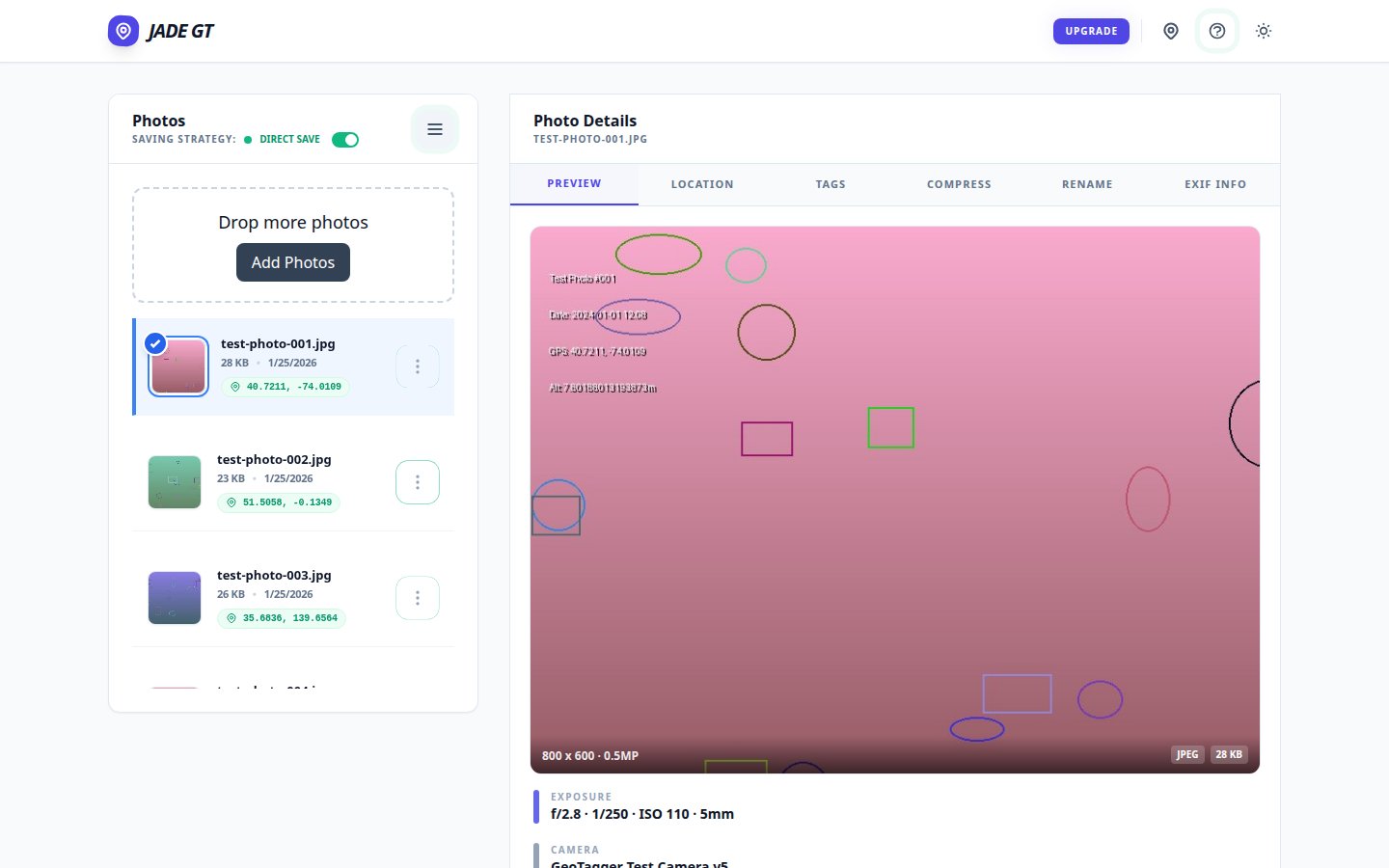
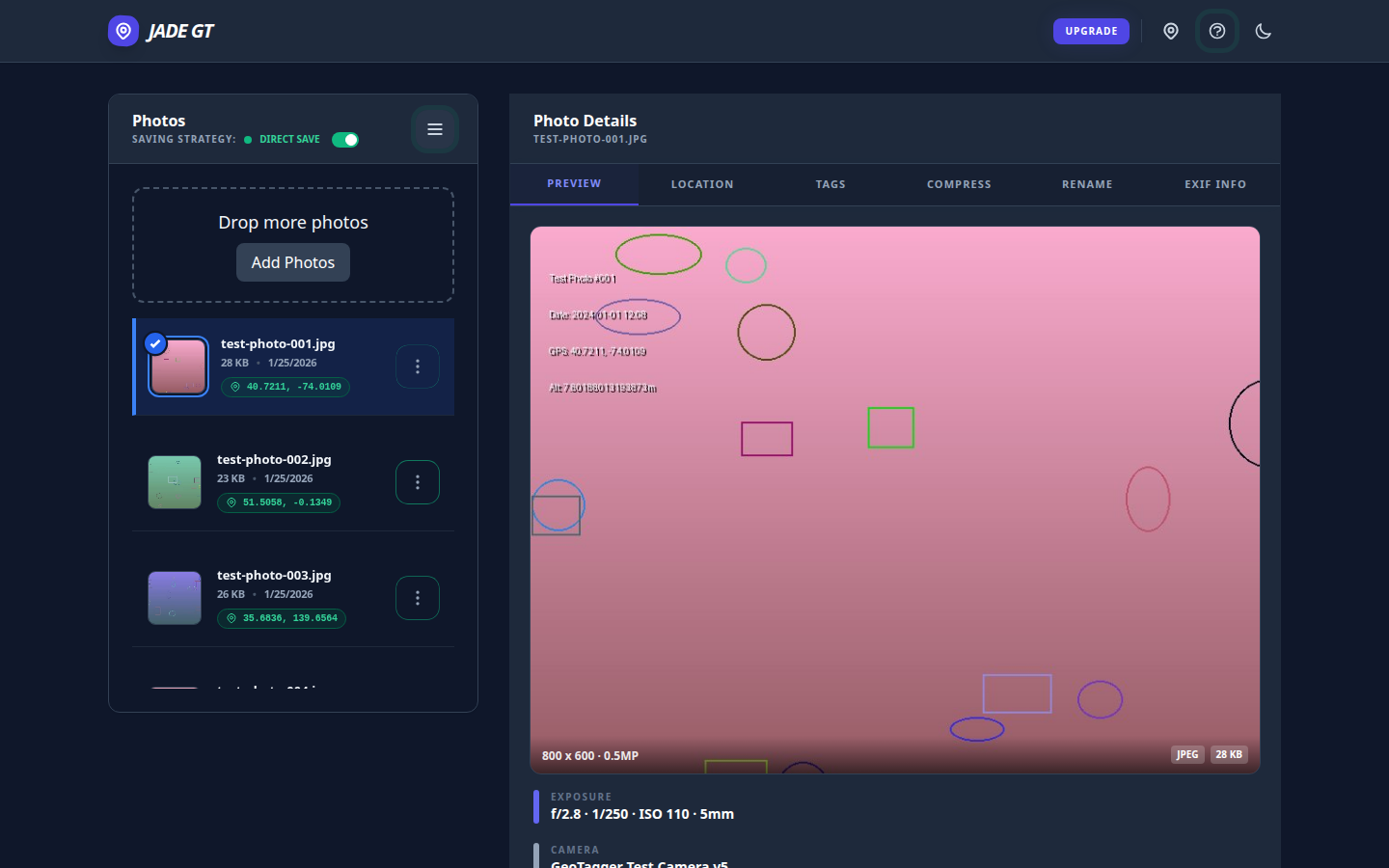
The Jade GT workspace with a loaded folder of wedding RAWs on the left and the Details Panel open on the right, ready for batch metadata work. The Jade GT workspace with a loaded folder of wedding RAWs on the left and the Details Panel open on the right, ready for batch metadata work.
A card's worth of RAWs loaded into Jade GT before Lightroom ever opens.

The short answer

A wedding-Monday metadata pass is six separate treatments (copyright, title, keywords, GPS, rename, stamp), usually spread across six tools and four hours. Jade GT collapses them into a single browser pass before you import into Lightroom. Files never upload anywhere; the only typing is forty keystrokes of wedding-specific detail.

It is Monday. The cards are pulled. The coffee is hot. Somewhere on your desk, two memory cards and a backup drive are holding roughly 2,000 RAW files from Saturday's wedding, and none of them know their own name yet.

If you have been shooting weddings for more than a season, you already know the shape of the next four hours. Rename. Stamp copyright. Geotag the venue. Keyword the ceremony. Rate the keepers. Title the event. Six separate treatments, each one a full pass across the whole card, most of them living in different tools. By the time Lightroom finally opens, half your morning is gone and you have not culled a single frame.