Skip to content

How-to

Street photography organization: a year of walks, searchable

The short answer

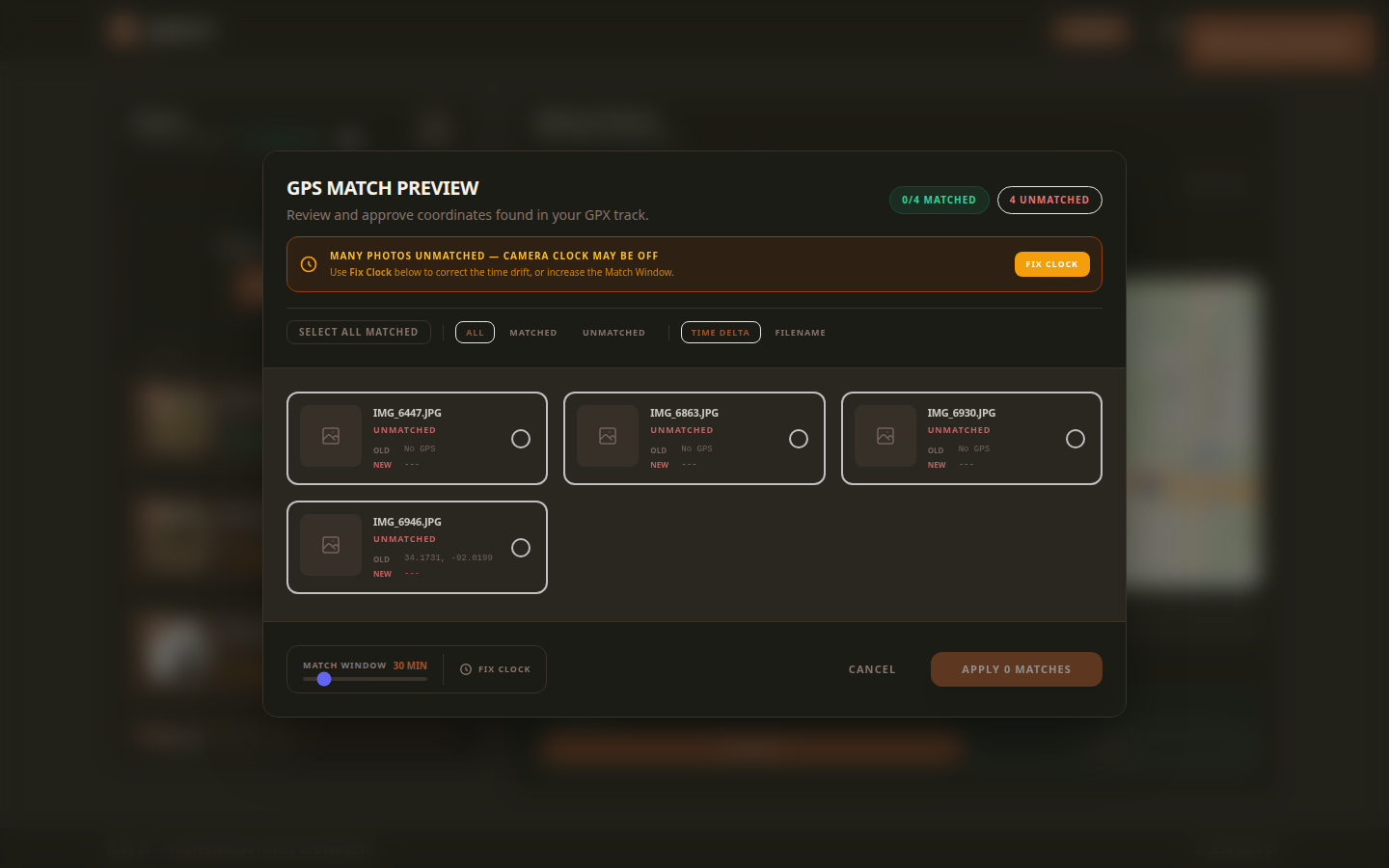
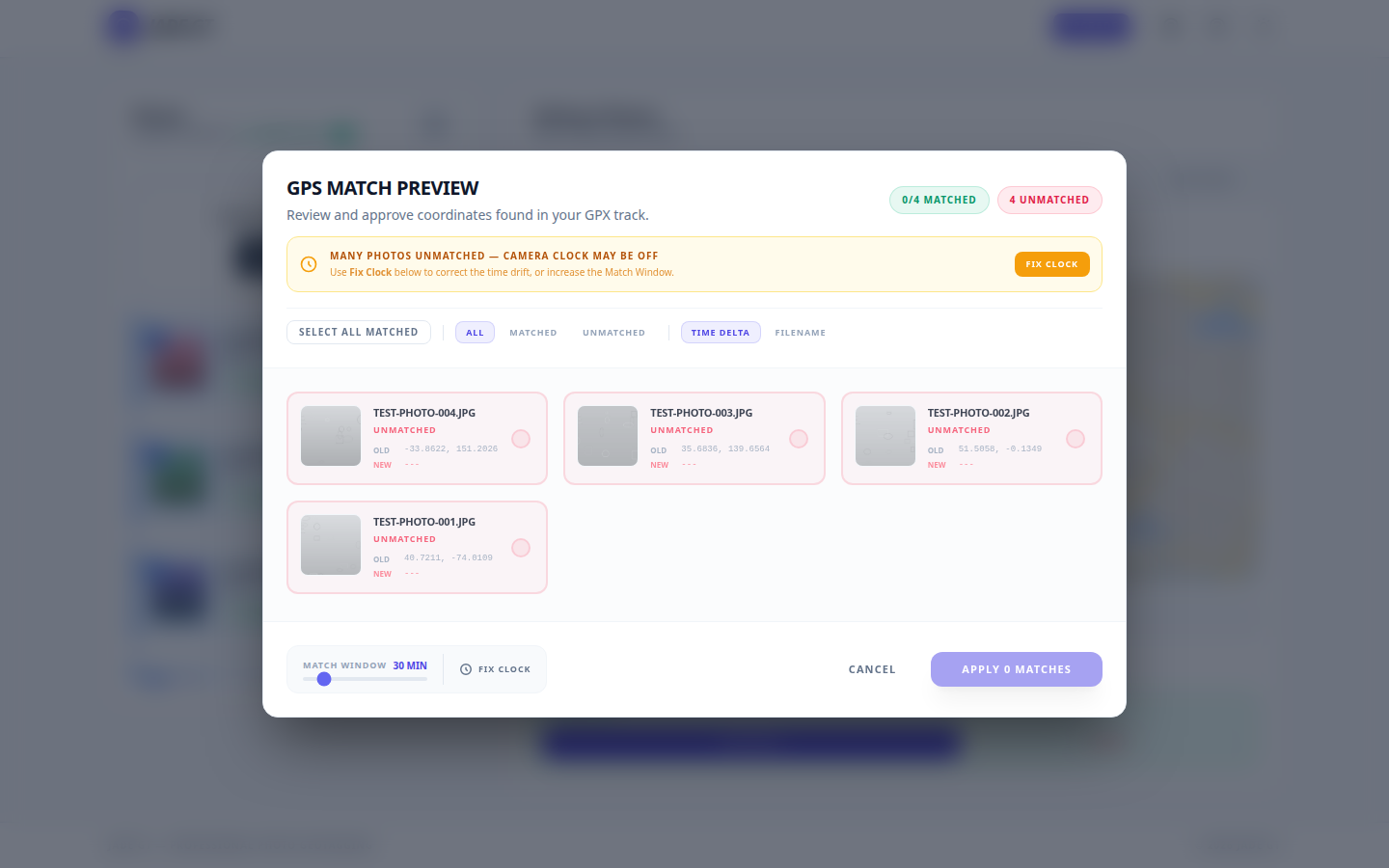
Two fields fix the street photography organization wall that folder-by-date hits by year two: IPTC Sublocation for neighborhood tags (the spec puts "SoHo" inside "New York City" by design), and ExifTool Geosync for the clock drift that breaks GPX matching on long trips. Set both once per walk, and a year of city frames becomes a one-click smart collection. Two tools write these fields: the ExifTool CLI for terminal-first photographers, and Jade GT for drag-and-drop in the browser. Same IPTC output, same local-only guarantee, pick the surface that fits your workflow.

Pick a city you walk weekly. On disk, a year of work reads 2022_NYC/ at the top, date-stamped subfolders underneath, and a pile of RAWs in each. It is a clean tree. It is also, eighteen months later, unsearchable beyond "roughly that fall."

The client wants the SoHo night set. You open Lightroom. The Map module shows a cluster over Manhattan, which is useful in the way a phone book is useful before you know the name. Keyword search on "soho" returns two frames, both from the first month you started tagging. Everything else lives in 2022_NYC/ with a timestamp and a hope.

This is the retrieval wall that a PetaPixel piece written ten years into a street practice puts in first-person terms: the archive gets searchable only once the metadata gets deliberate. Folder discipline alone flattens at volume. The fix takes about five minutes of setup per walk going forward, uses fields the IPTC spec already defined, and does not require a new tool.

How to Geotag Photos Without a GPS Tracker

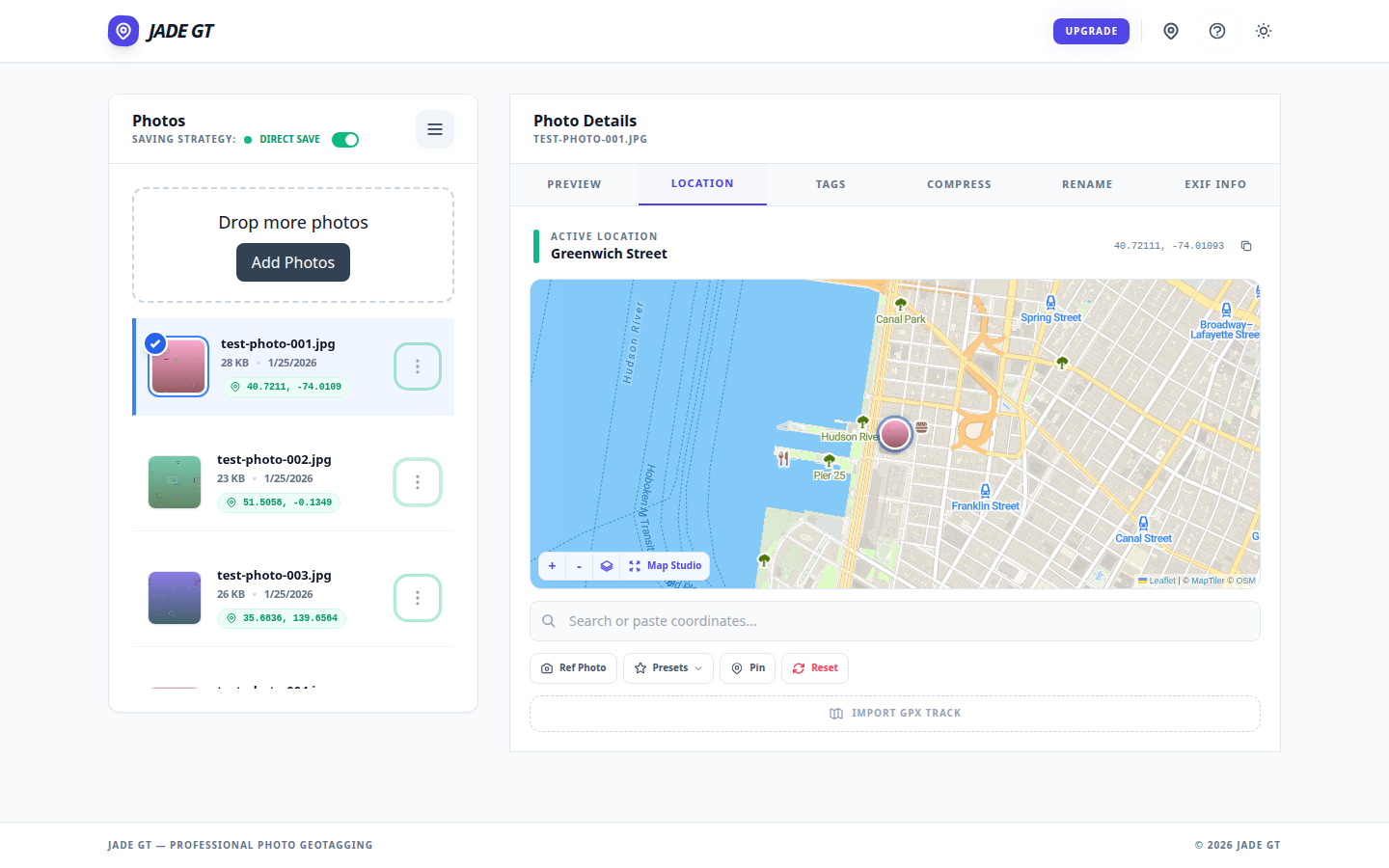
The Jade GT Location tab showing a venue pin dropped on the map and ready to apply to all selected photos. The Jade GT Location tab showing a venue pin dropped on the map and ready to apply to all selected photos.
Pin-drop on the Location tab: one coordinate, applied to the whole card.

The short answer

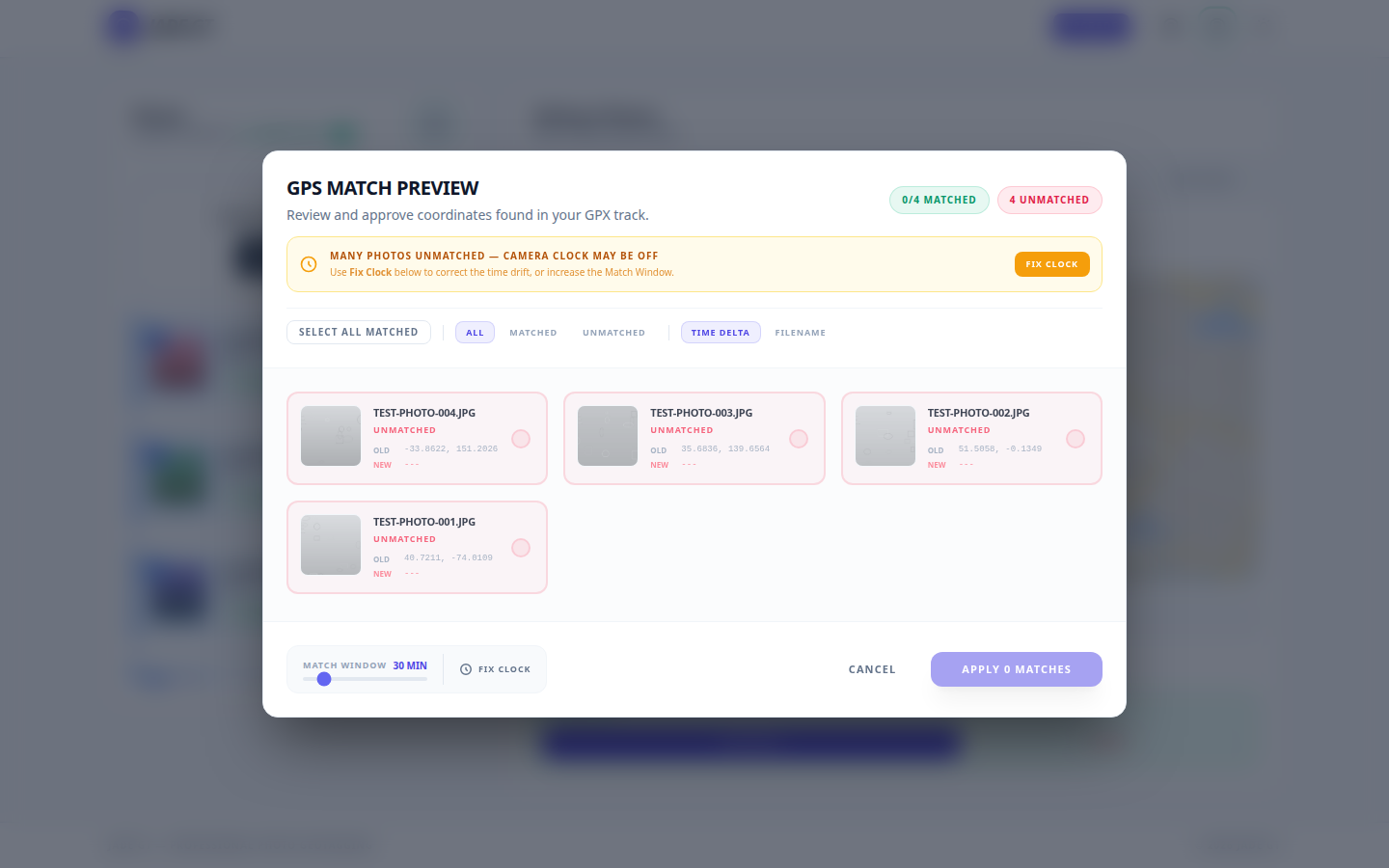
If you do not own a GPS puck, can you still geotag? Yes. For a single-venue wedding or studio session, drop one pin and apply it to every photo. For destination, travel, or outdoor work, record a GPX track on your phone and let Jade GT match each frame by timestamp. No tracker. No upload. No Lightroom Map module bug.

You unloaded the cards from the destination wedding in Sedona last night. Two photographers, three bodies, roughly 2,400 frames between them. The couple wants the gallery sorted by location. Sedona chapel, then Cathedral Rock, then the resort cocktail hour. Every photo needs to know where it was taken so the search box and the printed-album metadata both work later.

You do not own a Garmin handheld. You did not buy the Solmeta hot-shoe puck. Your Canon R5 talks to your phone over Bluetooth, sometimes, when the phone is awake, which it was not for most of the day. The EXIF for all 2,400 frames currently says "no location."

I do not carry a GPS tracker, can I still geotag? Yes. There are two reliable paths and one Lightroom workaround. None of them require new hardware.