Skip to content

2026

The "Iceland 2019" problem: why wedding photo retrieval fails

The short answer

Wedding photo retrieval does not fail the day you search. It fails five years earlier, at card ingest, when the fields that make a file findable (IPTC Title, Sublocation, Keywords, Description) went blank. The "how do I organize 20,000 photos" question is almost always downstream of one specific frame you cannot find today. The fix is not a better asset manager; it is metadata written at ingest, embedded in the file itself. Jade GT runs locally in the browser and works both directions: it reads IPTC, EXIF, and XMP so you can audit which of your weddings are already retrieval-ready, and it writes the same fields in batch before Lightroom opens. No uploads, no training, no cloud.

It is Tuesday night. An email came in from a 2019 couple asking for "that one shot of us in front of the waterfall" for an anniversary print. You remember the shot. You remember Iceland in November, the wind off the falls, the second body you were testing that week. You have shot another 140 weddings since.

You open Lightroom. You search "Iceland." Two hits. Neither is the frame. You search the couple's last name. Twelve hits, all portraits from the getting-ready room, none of the waterfall. You click into the 2019 folder. Eighty-two subfolders, date-stamped. You scroll.

Forty-five minutes later you have the frame. Also forty-five minutes' worth of small, quiet annoyance at your past self, who knew at the time they should tag things better, and shipped the wedding anyway.

That is the moment this post is about. Not the frame. The forty-five minutes.

Street photography metadata: not dead, just a missing paper trail

The short answer

The "phones killed street photography" debate misses the point. Phones did not kill street; sloppy archiving did. The line between a three-year Detroit project and 4,000 undated phone snaps is not the camera. Street photography metadata is the difference: five IPTC fields, written at ingest, that turn frames into a body of work. Description, Headline, Date Created, Location, and Keywords. Magnum and the Garry Winogrand collection at the Center for Creative Photography rest on those same fields, just at scale. Vivian Maier's archive shows what happens when they are missing: years of forensic work, frame by frame, to put the dates back.

It is a Saturday in late August. I am on Michigan Avenue in Detroit, half a block from the Penobscot Building, and a kid in a Tigers jersey is pulling a wagon full of empty bottles toward the recycling place on Cass. Camera up, two frames, camera down. He never sees me.

That frame is going to live on a 4 TB drive for a year before I touch it again. When I do, I will need to know three things the camera did not record: what neighborhood, what the kid was doing, and whether the wagon photo is part of the same walk as the empty-storefront set I shot two blocks later. None of that lives in the EXIF. None of it survives a phone screenshot.

This week Fstoppers published a piece called "Street Photography Is Dead. Smartphones Killed It and That's a Good Thing" and the comment section did what comment sections do. The argument is familiar: if everyone has a camera, the genre flattens. Same week, Fstoppers also called the Fujifilm X100VI the best compact for the genre, and r/photography ran a thread on light and shadow resources for street work. Street is alive enough to argue about.

Here is what that comment section missed. The camera was never the dividing line. The archive is.

Street photography organization: a year of walks, searchable

The short answer

Two fields fix the street photography organization wall that folder-by-date hits by year two: IPTC Sublocation for neighborhood tags (the spec puts "SoHo" inside "New York City" by design), and ExifTool Geosync for the clock drift that breaks GPX matching on long trips. Set both once per walk, and a year of city frames becomes a one-click smart collection. Two tools write these fields: the ExifTool CLI for terminal-first photographers, and Jade GT for drag-and-drop in the browser. Same IPTC output, same local-only guarantee, pick the surface that fits your workflow.

Pick a city you walk weekly. On disk, a year of work reads 2022_NYC/ at the top, date-stamped subfolders underneath, and a pile of RAWs in each. It is a clean tree. It is also, eighteen months later, unsearchable beyond "roughly that fall."

The client wants the SoHo night set. You open Lightroom. The Map module shows a cluster over Manhattan, which is useful in the way a phone book is useful before you know the name. Keyword search on "soho" returns two frames, both from the first month you started tagging. Everything else lives in 2022_NYC/ with a timestamp and a hope.

This is the retrieval wall that a PetaPixel piece written ten years into a street practice puts in first-person terms: the archive gets searchable only once the metadata gets deliberate. Folder discipline alone flattens at volume. The fix takes about five minutes of setup per walk going forward, uses fields the IPTC spec already defined, and does not require a new tool.

Mondays, handled: pre-Lightroom metadata for wedding pros

The short answer

The six Monday metadata treatments (rename, copyright, geo, keywords, rating, and event title) normally run as three to five separate passes across Bridge, Photo Mechanic, HoudahGeo, and a Lightroom import preset. A pre-Lightroom metadata workflow does them once, before the catalog opens, which collapses the Monday grind into a coffee pour. Jade GT runs locally in the browser; files never leave the machine.

Saturday wrapped at 11:47pm. Two cards, two bodies, one second shooter. A little over two thousand frames sitting on the desk in two card readers, and Monday morning is coming at you whether you are ready or not.

If you have been shooting weddings for more than a season, you already know the shape of the next four hours. Card ingest, rename, copyright preset, keyword tag, GPS for the venue, IPTC Title for the couple, some placeholder rating on each frame so Lightroom does not show a pile of zeros. Then the real work, the cull.

The four hours before the cull are the part nobody sells. They are also the part that does not get shorter when you buy a faster laptop.

What Actually Protects Your Wedding Photos from AI in 2026

The short answer

Watermarks, Glaze, Nightshade, opt-out registries, and DMCA takedowns all assume the same thing: that you can prove the image was yours in the first place. The boring pre-step almost nobody talks about, embedded IPTC copyright and creator metadata at export time, plus C2PA Content Credentials where your camera supports it, is the prerequisite that makes every downstream protection actually work.

On Monday morning a thread on r/WeddingPhotography went up alleging another photographer was using AI to ingest, restyle, and repost other shooters' wedding work as their own. By Tuesday it had hundreds of comments. By Wednesday the same week, r/photography ran its own thread titled "Does anyone know of a way photographers can protect their work from being stolen?" Different sub, same panic.

Three days into that conversation, PetaPixel reported that Minnesota had passed a landmark bill banning AI nudification apps. The same morning, Meta announced 8,000 layoffs to fund its AI push. Two days earlier, Fstoppers ran a piece called "Built With One Light and Zero AI", which read less like a tutorial and more like a quiet manifesto.

This is not a one-week story. The question wedding clients are starting to ask in consultations is now real. Will my photos end up in an AI training set, and what actually protects my photos from AI? The pros who can answer that question with something more substantive than "I hope not" are about to have a real edge.

The honest answer involves accepting that most of the loud protection options on offer are partial at best. The unsexy step that makes everything else work is the one almost nobody is leading with.

Film Has No EXIF: The Three Film Scan Metadata Gaps to Fix After the Scan

The short answer

A roll of film doesn't know what time it is, where it was shot, or which camera took the frame. Lab scans arrive with the scan date as the only timestamp, no GPS, no stock, no camera body, no lens. Three specific gaps, three specific fixes. The whole pass runs in fifteen minutes per shoot if you know what you are filling in.

Two rolls of Portra 400 shipped out on Tuesday. A USB drive arrived from the lab on Friday. You plug it in, Lightroom imports the folder, and every single frame is stamped 2026-04-16. That was the day the lab scanned. It was not the day you shot a single photo.

Scroll right in the Metadata panel. Camera Make: blank. Lens: blank. GPS: blank. Shutter speed: blank. ISO: blank. Film stock: nowhere.

A roll of film is a physical, light-sensitive strip. It doesn't have a clock, a GPS receiver, or a chip that writes EXIF. Your camera body usually knows roughly none of that information either, because most film bodies from the last fifty years are mechanical. By the time a scan lands on your drive, the only timestamp anywhere in the file is the one the lab's scanner stamped when the frame passed through the carrier.

The lab did its job. The camera did its job. The file is correct. The problem is that your catalog is now sorting two weddings and a camping trip into one single day in September, because that is the only date any of those files report.

This post covers the three specific film scan metadata gaps every scan arrives with, the end-to-end workflow that puts the information back (whether the lab scanned it or you did), and what a properly-tagged film archive looks like next to one that was just dropped into Lightroom raw.

Wedding Photo Privacy Without the Panic

An EXIF viewer showing GPS coordinates, camera model, and timestamp fields embedded in a JPEG before a local strip. An EXIF viewer showing GPS coordinates, camera model, and timestamp fields embedded in a JPEG before a local strip.
The EXIF block a modern camera writes into every frame. Stripping locally is step one of wedding photo privacy.

The short answer

Most of the scary 2026 privacy laws, including BIPA, MHMDA, the EU AI Act, and the TAKE IT DOWN Act, don't apply to an ordinary wedding gallery. What actually leaks is narrower: EXIF GPS on public posts, and the 2026 reality that a vision-language model can geolocate a photo from the scene alone. Afternoon's worth of fixes closes the gap.

Monday morning. The cards are pulled from Saturday's Sedona wedding. 2,200 frames between two bodies, a ceremony at the chapel, a rooftop cocktail hour, the couple's dog in a bow tie. Your phone buzzes. It's a text from last June's bride. Did you see this?

Screenshot attached. A stranger reverse-searched two of her ceremony photos through PimEyes, matched her name, and messaged her on Instagram about the dress. The gallery was unlisted. The photos had her face but no EXIF GPS. You know, because you stripped everything before you delivered.

So how did someone find her.

The answer is that in 2026, stripping metadata is the beginning of wedding photo privacy, not the end.

How to Geotag Photos Without a GPS Tracker

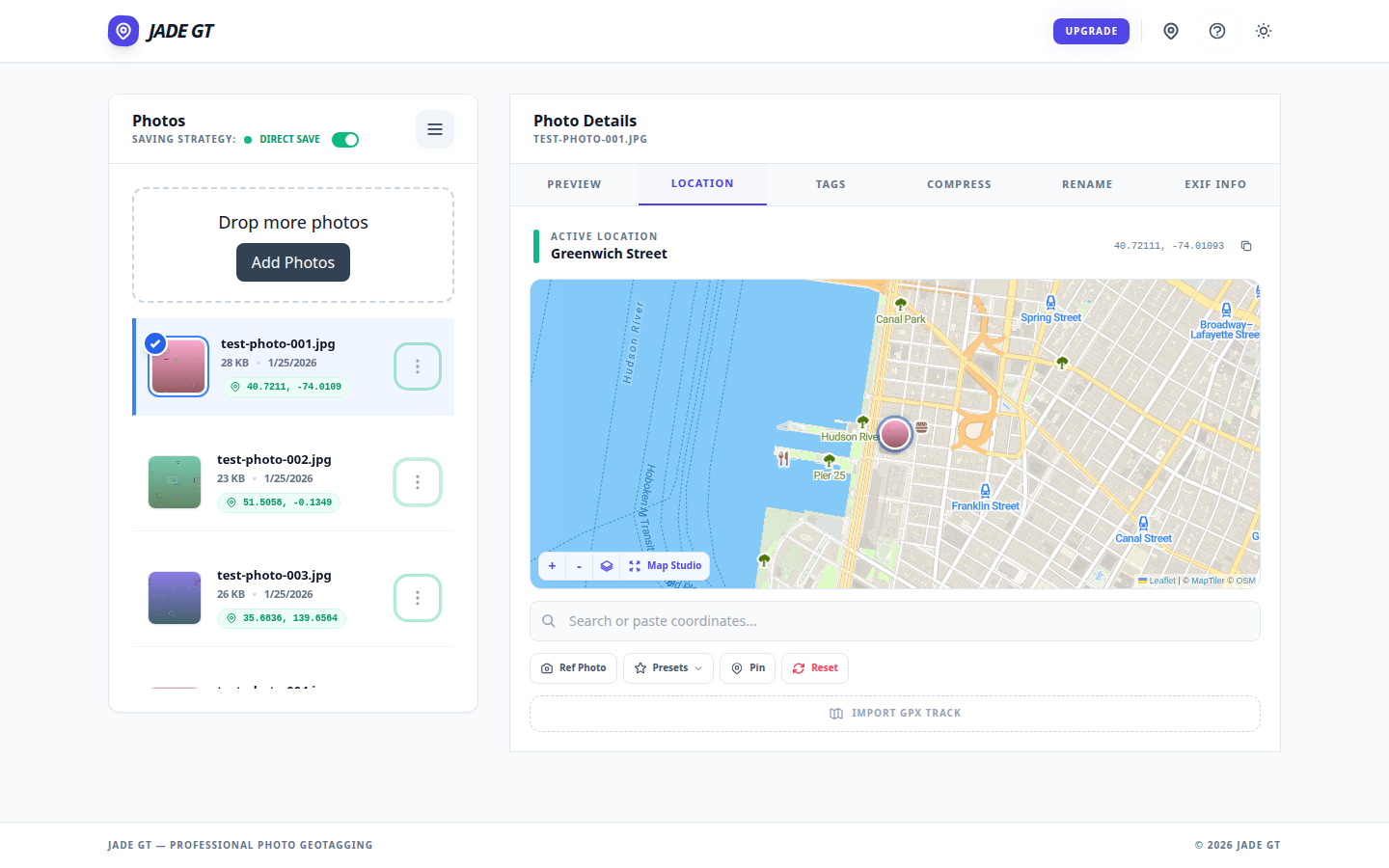
The Jade GT Location tab showing a venue pin dropped on the map and ready to apply to all selected photos. The Jade GT Location tab showing a venue pin dropped on the map and ready to apply to all selected photos.
Pin-drop on the Location tab: one coordinate, applied to the whole card.

The short answer

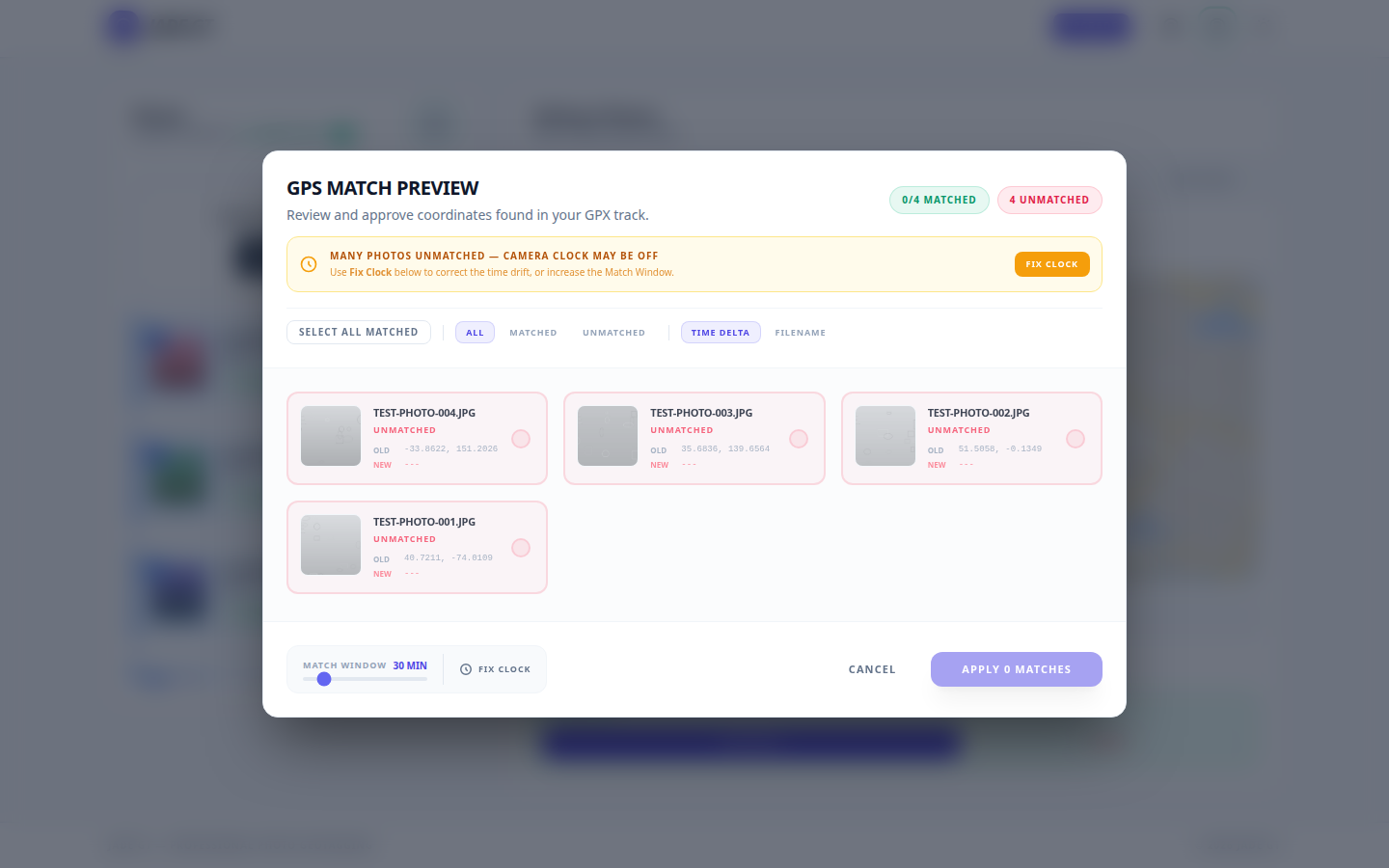
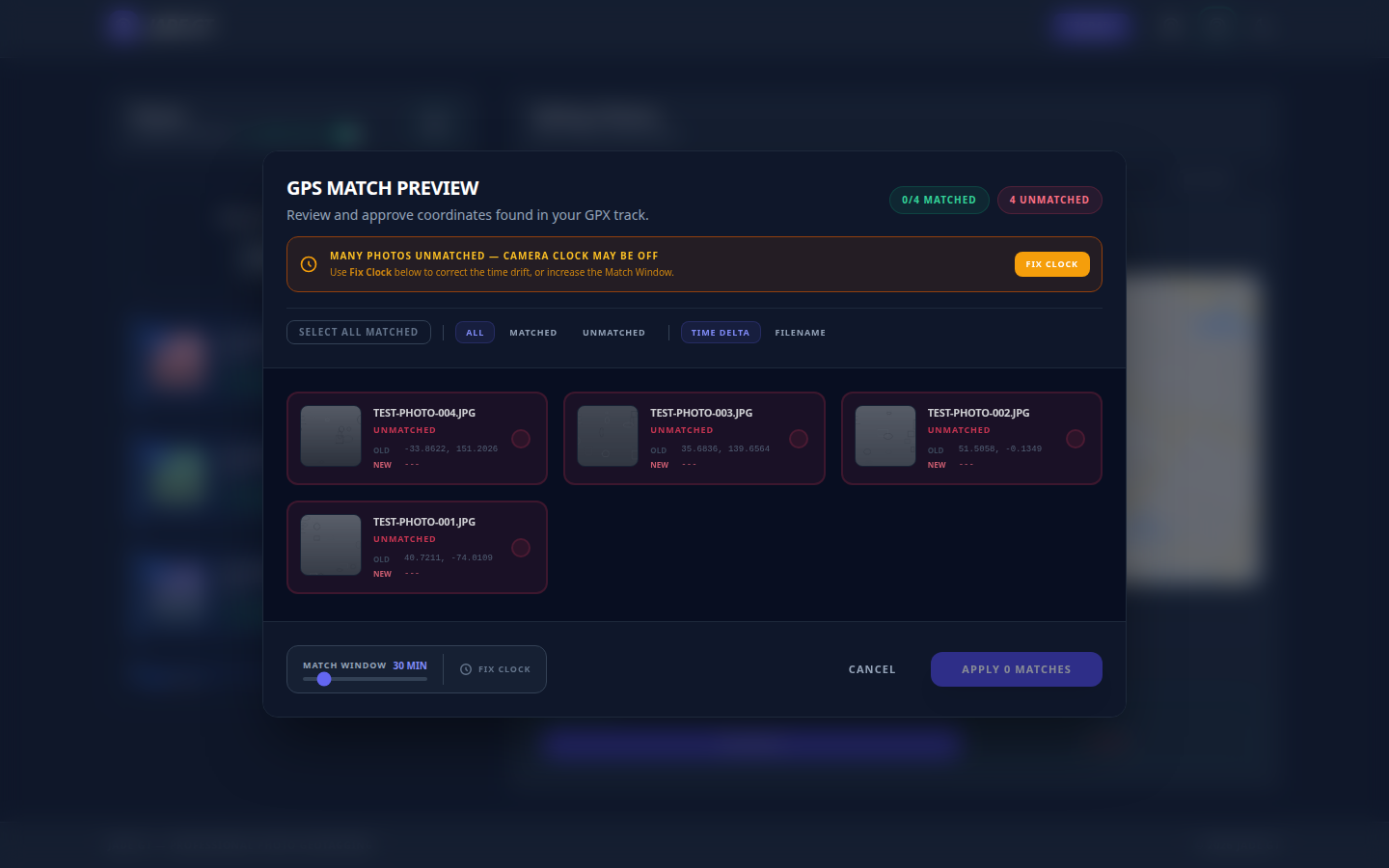
If you do not own a GPS puck, can you still geotag? Yes. For a single-venue wedding or studio session, drop one pin and apply it to every photo. For destination, travel, or outdoor work, record a GPX track on your phone and let Jade GT match each frame by timestamp. No tracker. No upload. No Lightroom Map module bug.

You unloaded the cards from the destination wedding in Sedona last night. Two photographers, three bodies, roughly 2,400 frames between them. The couple wants the gallery sorted by location. Sedona chapel, then Cathedral Rock, then the resort cocktail hour. Every photo needs to know where it was taken so the search box and the printed-album metadata both work later.

You do not own a Garmin handheld. You did not buy the Solmeta hot-shoe puck. Your Canon R5 talks to your phone over Bluetooth, sometimes, when the phone is awake, which it was not for most of the day. The EXIF for all 2,400 frames currently says "no location."

I do not carry a GPS tracker, can I still geotag? Yes. There are two reliable paths and one Lightroom workaround. None of them require new hardware.

What to tell wedding clients who ask about AI

It happens at the consultation, usually toward the end, right after the timeline questions and right before the deposit talk. The bride leans forward. "One more thing. You're not going to, like, feed our photos into an AI, are you?"

Three years ago you would not have heard that question at a wedding consultation. A year ago you might have heard it once a season. This year, some photographers are hearing it at every other meeting.

The couple is not being paranoid. They have watched Meta tell its users their public Instagram photos would train a commercial AI model. They have read about actors and voice artists suing over likeness cloning, and watched SAG-AFTRA stay on strike for nearly a year over AI digital-replica protections. They know the phrase "training data" and they have a fuzzy but real sense that their wedding photos could end up somewhere they did not agree to.

And most of us, when the question lands, do not have a clean answer ready.

Organize 2,000 Wedding Photos Before Lightroom Even Opens

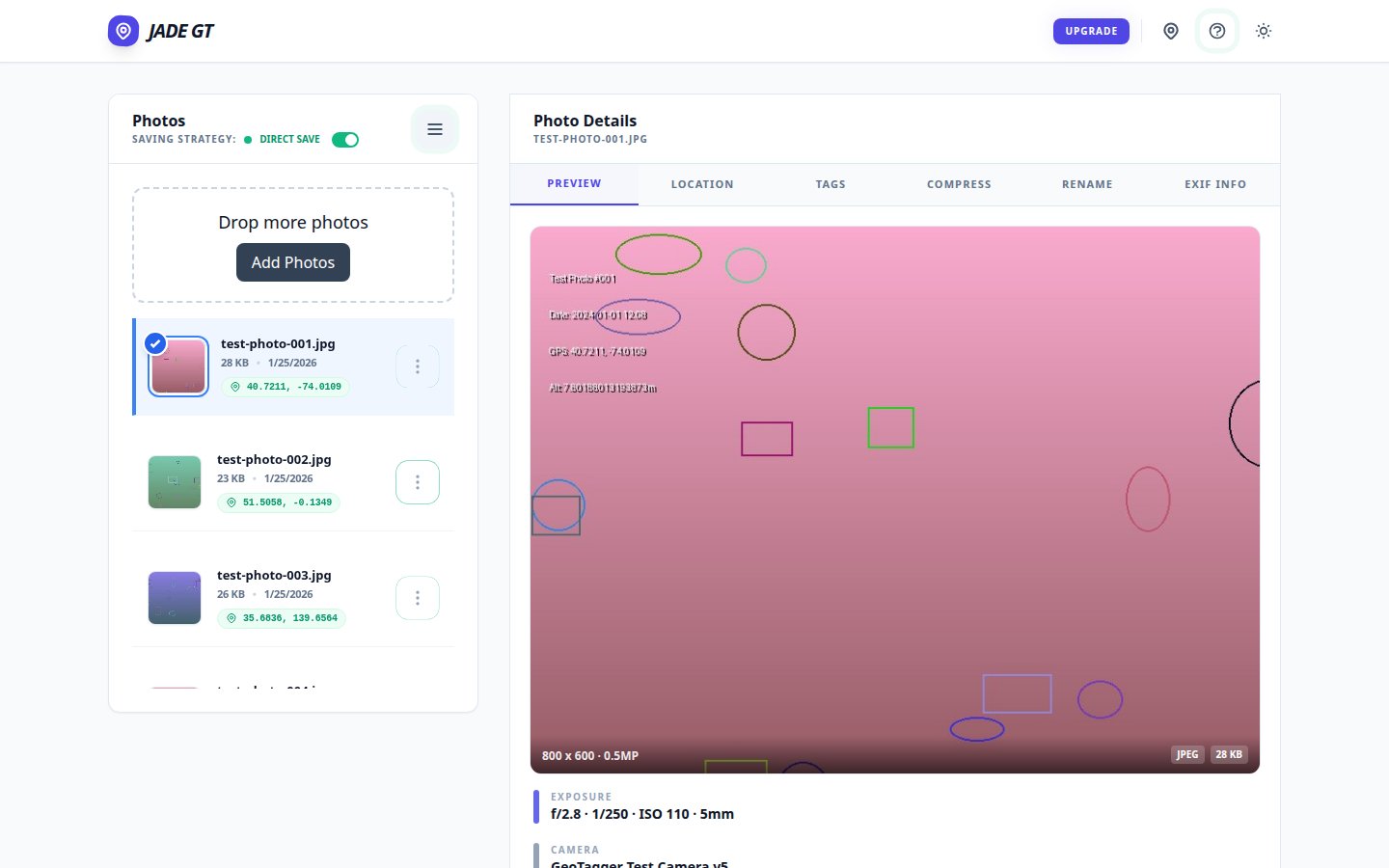
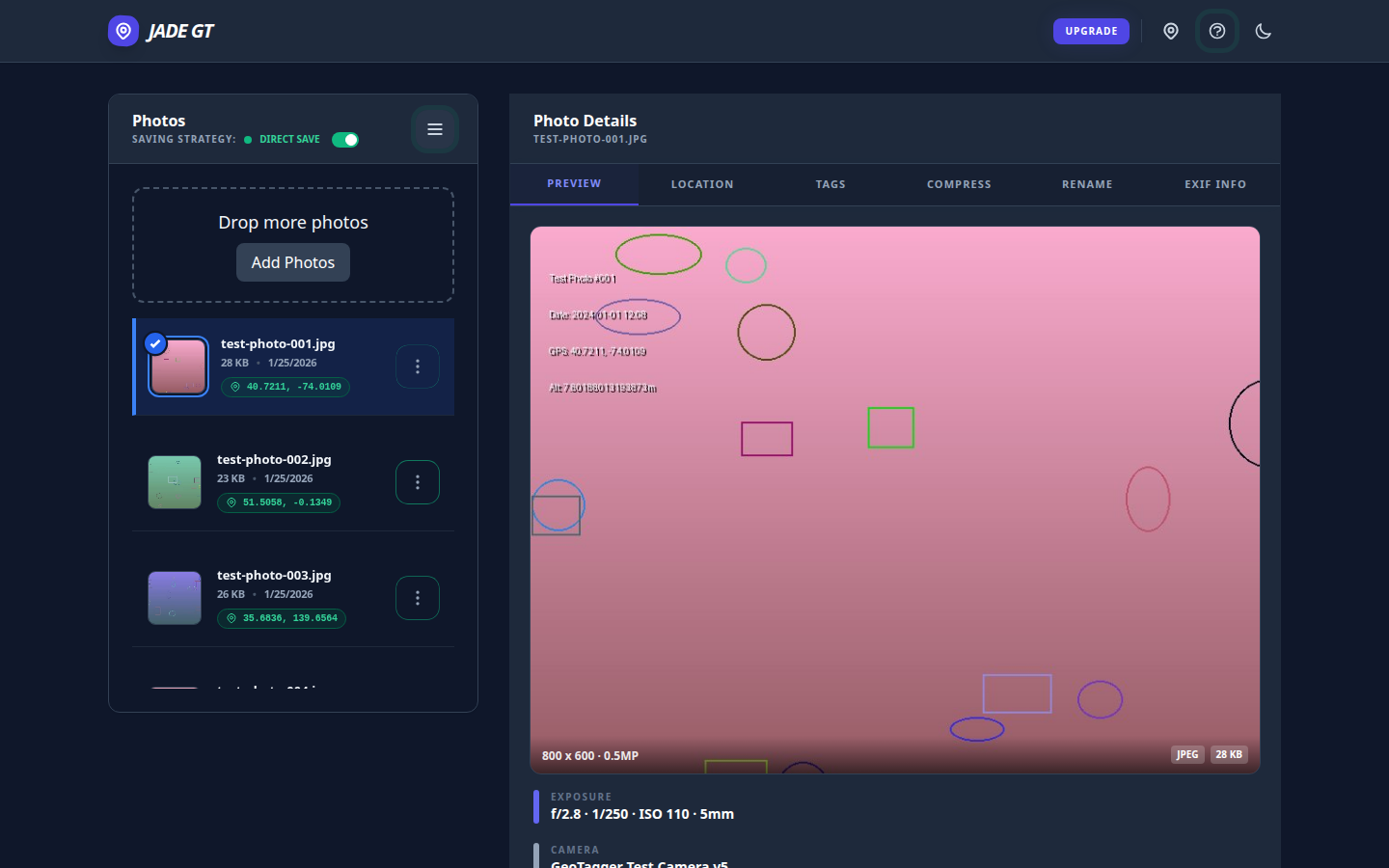
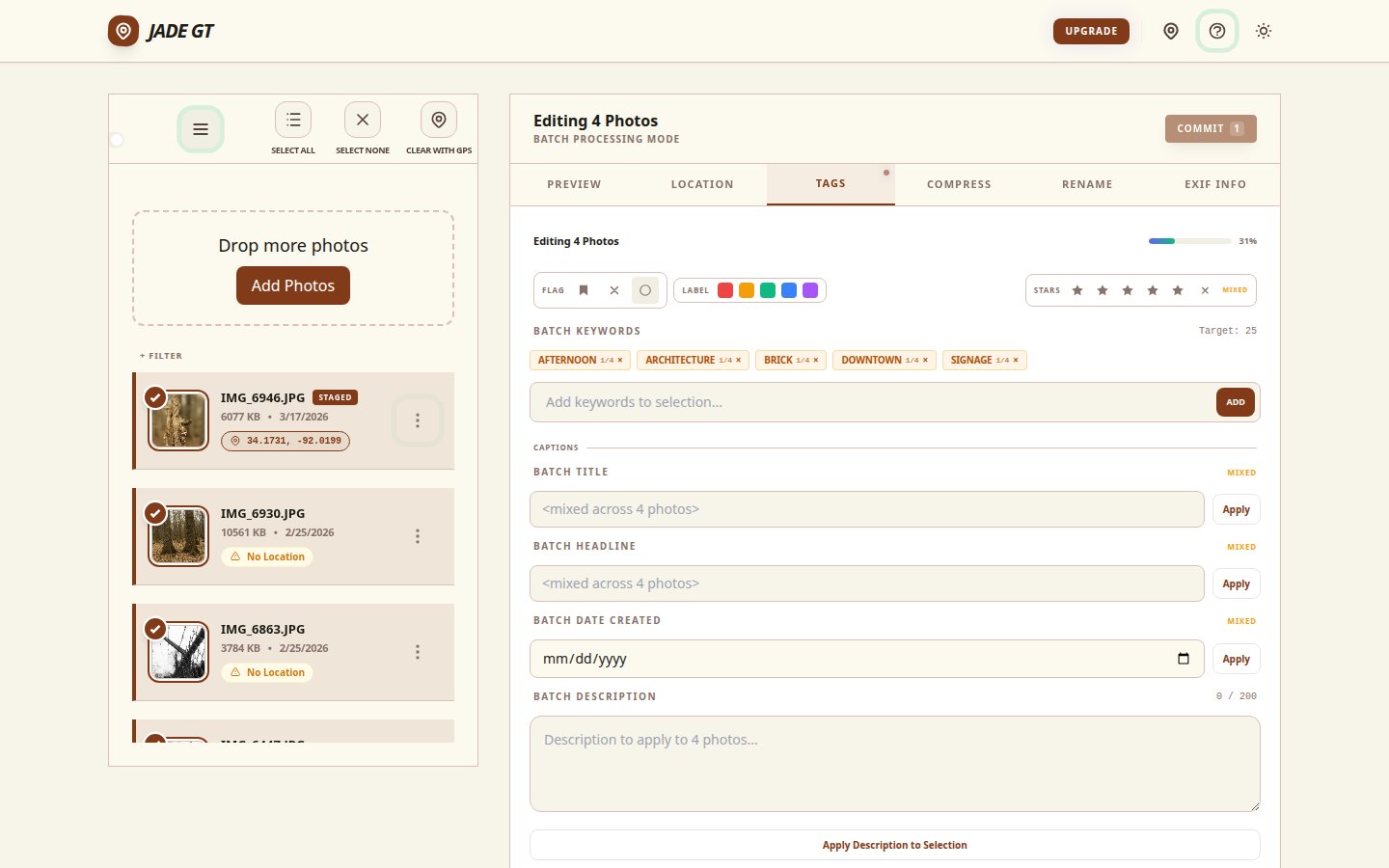
The Jade GT workspace with a loaded folder of wedding RAWs on the left and the Details Panel open on the right, ready for batch metadata work. The Jade GT workspace with a loaded folder of wedding RAWs on the left and the Details Panel open on the right, ready for batch metadata work.
A card's worth of RAWs loaded into Jade GT before Lightroom ever opens.

The short answer

A wedding-Monday metadata pass is six separate treatments (copyright, title, keywords, GPS, rename, stamp), usually spread across six tools and four hours. Jade GT collapses them into a single browser pass before you import into Lightroom. Files never upload anywhere; the only typing is forty keystrokes of wedding-specific detail.

It is Monday. The cards are pulled. The coffee is hot. Somewhere on your desk, two memory cards and a backup drive are holding roughly 2,000 RAW files from Saturday's wedding, and none of them know their own name yet.

If you have been shooting weddings for more than a season, you already know the shape of the next four hours. Rename. Stamp copyright. Geotag the venue. Keyword the ceremony. Rate the keepers. Title the event. Six separate treatments, each one a full pass across the whole card, most of them living in different tools. By the time Lightroom finally opens, half your morning is gone and you have not culled a single frame.